El vídeo de arriba es para uso exclusivamente decorativo dentro de está página.
Thyssen GIFs and stickers
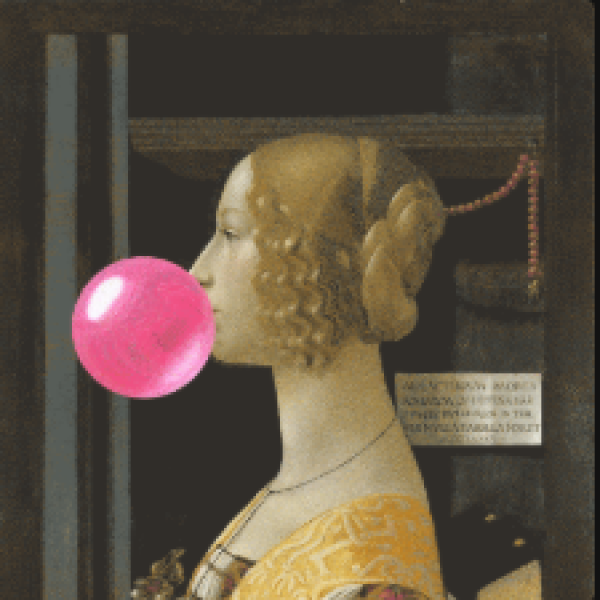
The museum’s masterpieces come to life

Imagine reacting on WhatsApp with a painting from the Thyssen collection or decorating your stories with animated versions of our masterpieces. We’ve turned a selection of our most iconic works into GIFs and stickers so you can carry the museum in your pocket and use them across your social media, chats and stories in a fun, easy way.
Express yourself with art!
You can use our GIFs and stickers directly from many apps (WhatsApp, Instagram, TikTok, etc.) or find them on Tenor and Giphy.
In the GIF or sticker search bar type: Thyssen, museothyssen, o thyssenbornemiszamadrid to discover animated versions of our most iconic works.
And if you’re not sure which one to use, just remember this:
- Sticker: Has a transparent background. Ideal for Instagram Stories, TikTok and for “sticking” on top of your photos and videos.
- GIF: A full animation with a background. Perfect for chats, comments, reactions and social media posts.
And remember:
Every Thyssen GIF and sticker is a different way to connect with the works in the collection: you can use them to react, to show how you feel, or simply to decorate your stories with art.
Search for us as Thyssen in your favourite apps and turn your messages into little moving art galleries.
Stickers on TikTok, Instagram (stories) and Google
On TikTok:
- Create your video on TikTok.
- Before publishing, go th the GIFs / Stickers section.
- Search for Thyssen.
- Add stickers from the collection.
On Instagram (stories):
- Open Instagram and create a Story (photo or video).
- Tap the GIF icon.
- In the search bar type Thyssen (or any of these keywords: art, arte, painting, Madrid, museo, Bornemisza, etc.) and choose the sitkcer you like.
- Place it, rotate it, make it bigger or smaller… and post it!
In Google stickers (Android / Gboard):
- Open any chat app on your Android phone.
- Tap the Emoji icon and go to the GIF or Sticker tab.
- Type Thyssen
- Select the sitcker you want and send it in the chat.
GIFs for WhatsApp and Telegram
On WhatsApp:
- Open a chat.
- Tap the emoji icon and go to the GIF tab.
- Search Thyssen.
- Choose your favorite GIF and send ti.
- You can also copy GIF directly from Giphy or Tenor and paste into WhatsApp.
On Telegram:
- Open a chat.
- Tap the GIF icon.
- In the GIF section, search for Thyssen.
- Select one and send it as a reaction or message.
GIFs to comment on X, Facebook and Instagram, and to post on Facebook or X
GIFs (with background): they work like reactions and are shared in full in chats and comments.
Comment on X (formerly Twitter), Facebook and Instagram:
- When writing a comment, open the GIF panel.
- Search for Thyssen.
- Choose the animation you want.
Post on Facebook or X:
- Create your post.
- Add a GIF searching for Thyssen.
- Publish your custom message with a masterpiece in animated form.
Things to keep in mind
- Sometimes you might see a GIF or sticker that looks a bit more pixelated
That doesn’t mean the file is faulty: platforms (Instagram, TikTok, WhatsApp, etc.) compress images so they load quickly on mobile, and that can slightly reduce the quality. - When we upload a GIF or sticker, services like Tenor generate several versions of the same file (Media 1, Media 2, Media 3…) with different sizes and quality levels.
Depending on your connection, your device and your screen size, the app will choose one version or another. That’s why sometimes you’ll see the GIF super sharp and other times a bit less defined. It’s not a mistake, it’s just how they optimise content. - Our GIFs and stickers may not always appear at the top of the results.
The order depends on things like popularity, language or your usage history on each platform. This is completely normal and part of how each network works internally, not an issue with the museum’s files.